
Since version 4.10.0 the Iptanus File Upload plugin can send Messenger notifications, so that news of a new upload reaches you on your phone as well as by email.
Subscribing to the Messenger
Start by subscribing to the Iptanus File Upload Plugin Messenger. In the plugin’s Dashboard area, open the Settings tab, find Messenger Notifications and press Press here.
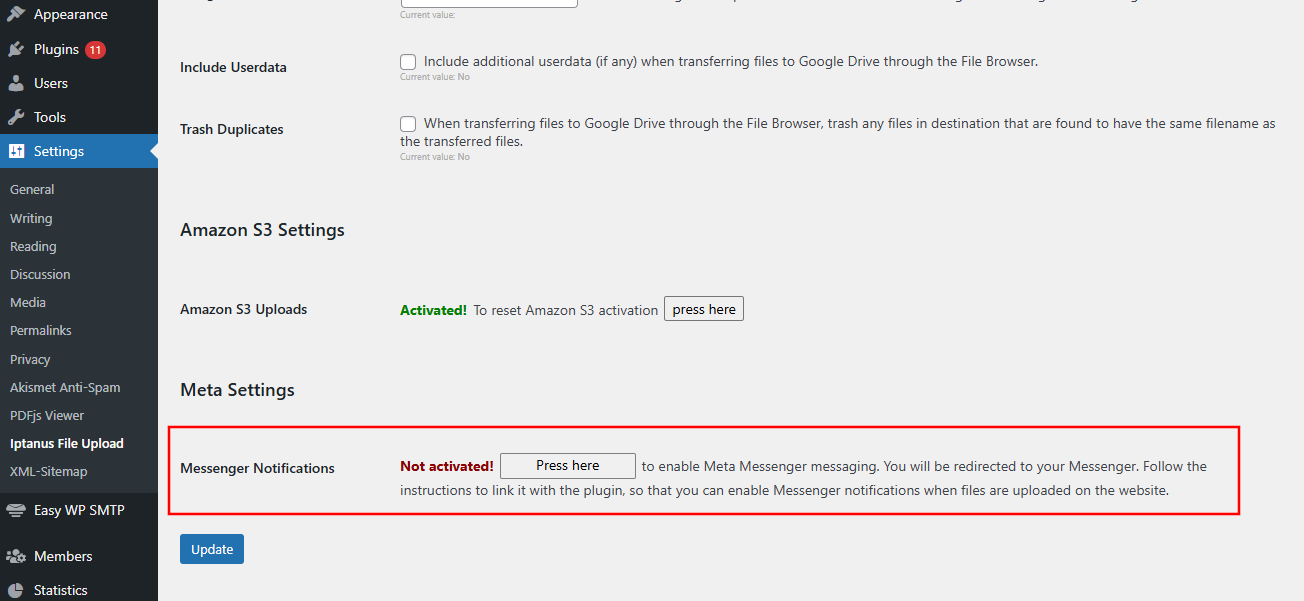
A tab opens and takes you to the Messenger app. If you are not signed in, you are asked to sign in first. A message arrives in Messenger from Iptanus File Upload Plugin, with an Activate Link button.
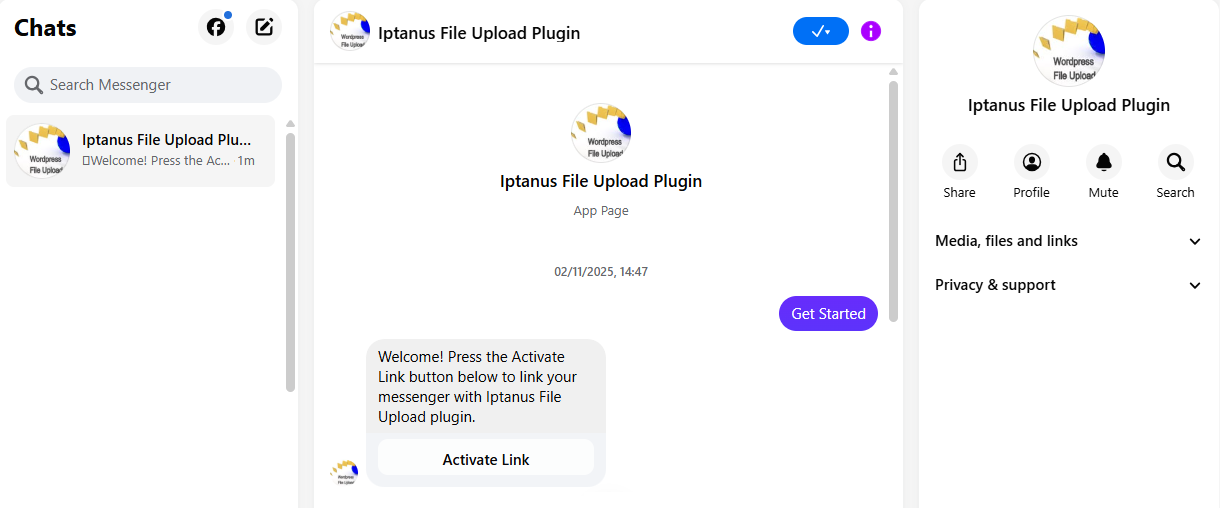
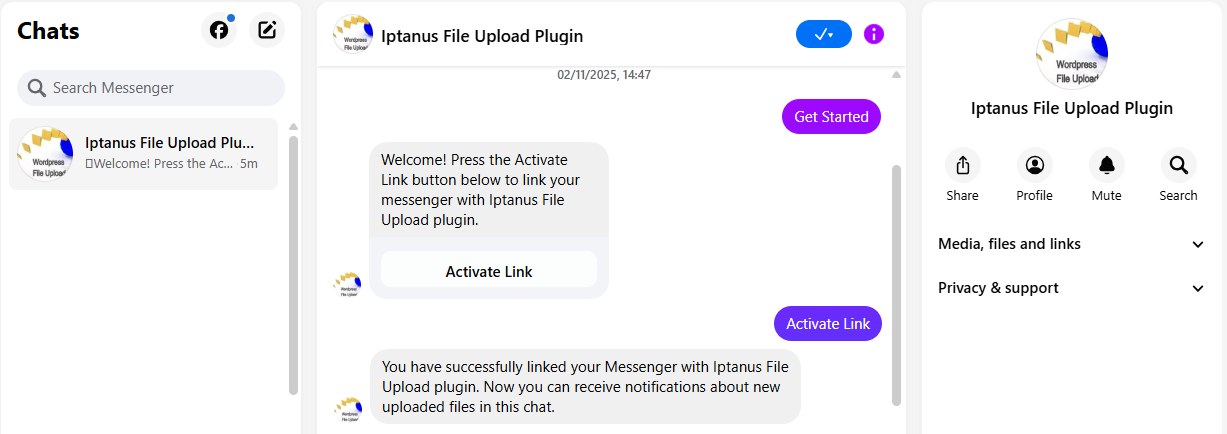
Press it to link your Messenger with the plugin. A second message confirms it.
Turning notifications on in the shortcode
Next, switch the notifications on for the upload form you want them from. Open the shortcode composer, go to the Notifications tab, find the Messenger Notifications area and turn on Notify by Messenger.

The Messenger Text attribute holds the message itself; the default is shown above. Note the %uploaddetails% variable in it — that is replaced by a link to the details of the upload when the message goes out.
What the notification looks like
Here is the message that arrives in Messenger when someone uploads a file through the form:

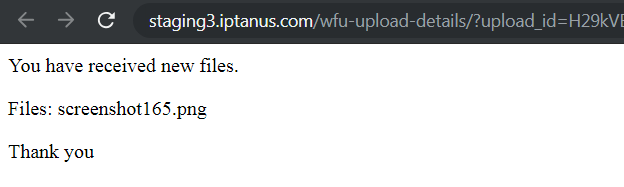
Following the link opens a new browser tab with the details:
Who can open the upload details
That link only works for someone signed in to the site as an administrator. It is a deliberate privacy measure: the details of the upload are never carried in the message itself.
What those details include is set by the Upload Details attribute in the shortcode.
If you have questions, problems or suggestions, please contact us.
The Iptanus team
Ask a question
Answered by Iptanus, usually within a working day.